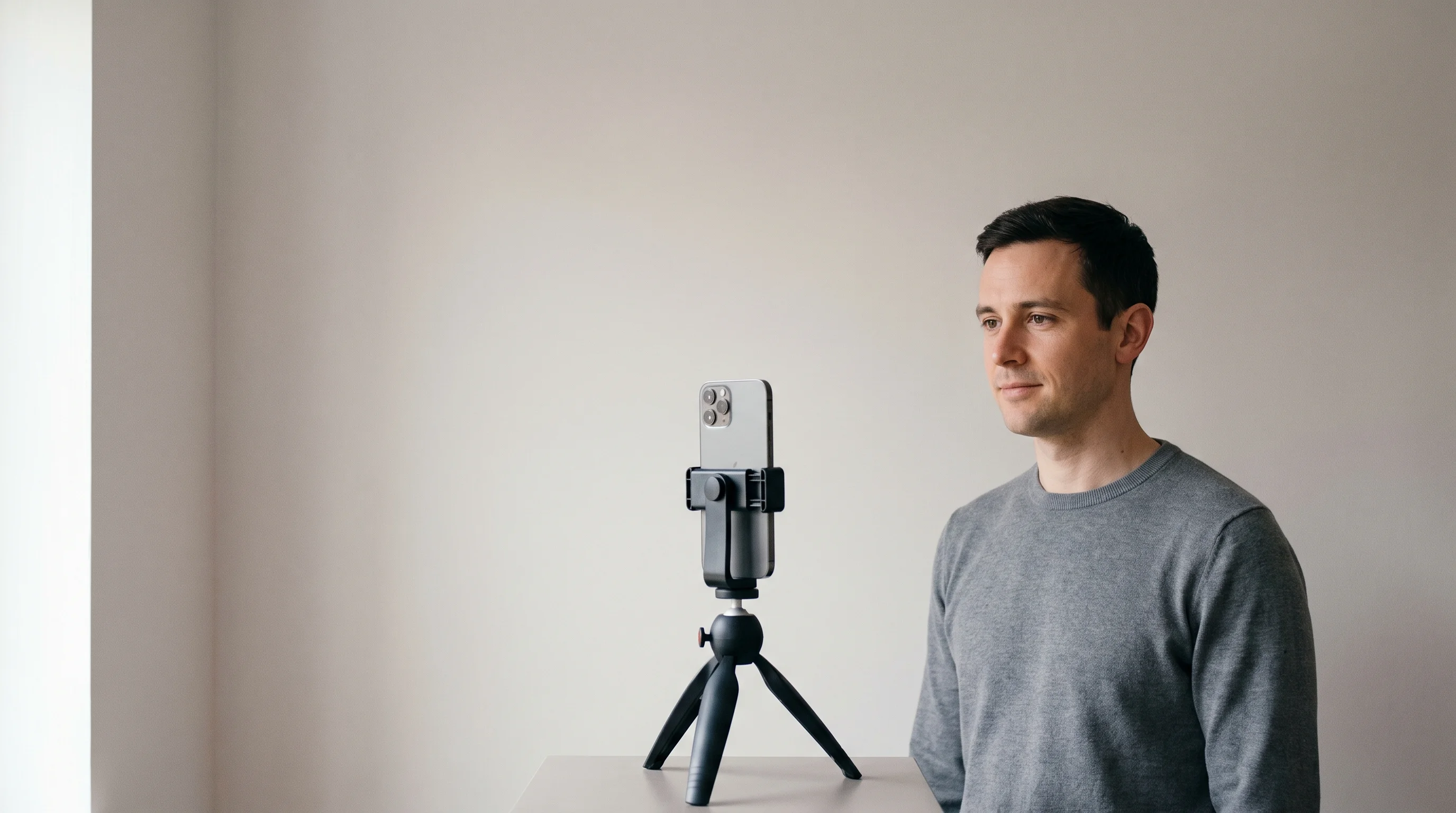
Spotlight does not agree with Spotlight
We published a page yesterday saying Spotlight explicitly permits self-taken headshots. That was true and we quoted them correctly. Then we read their other page.
Here is the first one, from an article called “How to Take an Amateur Headshot”, updated on 15 June 2026. “It’s perfectly fine to take a ‘selfie’ instead, but ensure that you pose professionally for it.” And on the mandatory photographer credit: “If you took the photo yourself, you can put ‘Self Portrait’ instead.”
And here is their photo guidance. “No selfies, no phone photos, no casual snapshots.” Also: “Don’t upload a screen grab from a mobile device.”
One correction to our own page while we are here. We said yesterday that Spotlight and Backstage disagreed with each other. They do. What we did not know was that Spotlight also disagrees with itself, which makes the whole picture messier and more honest.
We told you RAW was unprocessed. It is not.
This page has been recommending Apple ProRAW as the way to stop your phone smoothing your skin, on the grounds that a RAW file is untouched. Apple’s own documentation says otherwise, in plain language.
Here is Apple, on their support page about ProRAW. “Apple ProRAW combines the information of a standard RAW format along with iPhone image processing.” And it captures that way “including when also using the Smart HDR, Deep Fusion, or Night mode features.”
So the thing we told you would switch the processing off is the processing, carried in a more editable container. That is genuinely useful and it is not what we said it was.
Two smaller corrections in the same section. We said ProRAW files are about eight times larger than normal ones. Apple says ten to twelve times, and up to about seventy-five megabytes each at full resolution. Shoot RAW for the session and delete afterwards. And ProRAW is unavailable not only in Portrait mode but with Live Photos and video too, which we had not mentioned.
And the thing nobody tells you to do next. A raw file looks flat and dull, and that is the point. Open it in Lightroom or the Photos app, lift the exposure, set the white balance, add contrast, and stop. Colour, crop and a blemish are fine. Skin smoothing is the line, and the whole reason to shoot this way is to make that decision yourself rather than have it made for you at the moment of capture.
Distance, not the lens
This is the most useful thing on the page and it is widely got backwards. A wide lens does not distort your face. It forces you close enough that the distance does.
Perspective is decided by how far the camera is from you and by nothing else. Fill the frame with your face using a wide lens and you have to bring the camera very close, which enlarges whatever is nearest it. Your nose grows. Your ears retreat. Use a longer lens and you stand back, and the proportions settle.
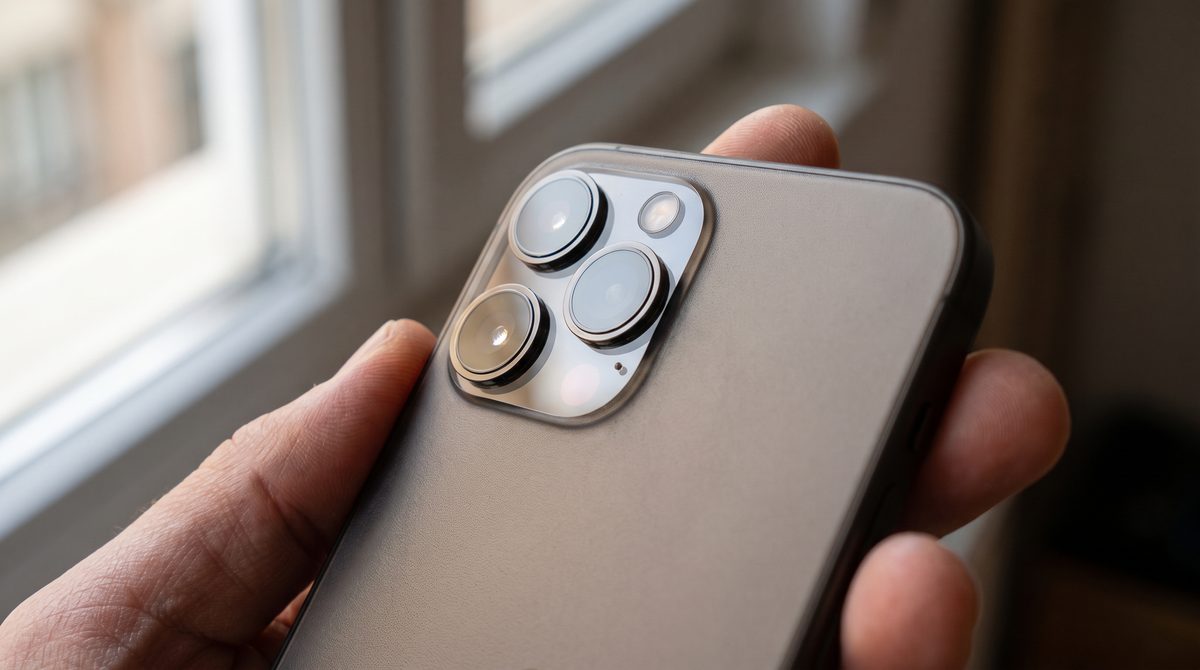
The main camera on a current iPhone is 24mm, the ultrawide is 13mm, and the telephoto is 100mm. Apple’s own Portrait mode defaults to the 2x setting rather than the main lens, which is the manufacturer quietly agreeing with everything above.
The setting that edits your face before you press the button
This one was not in our research at all, and it undoes the whole point of shooting carefully if you get it wrong.
Photographic Styles are applied at the moment of capture, not afterwards. They are not a filter you add later. Apple describes them as changing how the phone captures the photograph, and one of them is always active — Standard is the default, and it stays on unless somebody has swiped the wheel to something else.
Three other things are on by default and cannot easily be turned off: Smart HDR, Deep Fusion and the Photonic Engine. Those are the mechanisms actually reshaping skin texture and micro-contrast, rather than any switch labelled beauty. Shooting classic raw is the only way past them.
Portrait mode, and a constraint that settles it
Portrait mode does not blur the background optically. It works out where it thinks you end, and blurs everything outside that line.
DXOMark, which tests camera systems formally, describes the failure directly. “Precise segmentation between subject and background is key… Current implementations suffer from depth-map resolution that is too low, leading to imprecise edges and depth estimation errors.” In their device reviews the named casualties are always the same: individual hair strands and the arms of glasses.
That matters more for a headshot than for anything else, because at the size a casting director sees you, the outline of your head is doing real recognition work. Portrait mode damages precisely that edge.
You cannot shoot ProRAW in Portrait mode. Apple says so plainly, and the same restriction covers Live Photos and video.
So this was never a preference. The question is whether you want a synthetic background blur, or a file the phone has not smoothed.
For a headshot that is not close. And two metres between you and a plain wall gives you the separation optically anyway, with no edge for anything to get wrong.
If you are not on an iPhone
The page is called The iPhone Headshot, which is honest, and a great many readers are not on one. Here is the rest of it — including a tidy conclusion we were about to publish that does not survive checking.
On Samsung, the impressive-sounding option is the more processed one. Expert RAW uses multi-frame capture with dedicated AI processing, and the HDR it applies is baked in before the file is written, so it cannot be undone. Plain Pro mode is the single-frame, minimally processed capture, and for skin it is the cleaner choice despite sounding like the lesser feature.
Two things a Pixel owner should know. Even the raw file is not a single exposure — Google's own engineering blog describes merging up to fifteen frames at the raw level before the file is written, and calls it computational raw. It still skips the later tone-mapping and sharpening, so it is meaningfully cleaner than the default, just not untouched.
And Real Tone, Google’s skin-tone rendering, is on by default and cannot be switched off. It was developed with more than sixty photographers of colour to render darker skin accurately rather than lightening or darkening it, which is a good thing and worth knowing about if you are wondering why your colour looks different from a friend’s.
On lenses the principle is identical. The current Pixel Pro has a 5x telephoto at about 113mm. The current Galaxy Ultra has two, at roughly 67mm and 111mm. Both give you the standing-back geometry this page is really about. Cheaper models in both lines have no true telephoto, and the crop advice above applies exactly as it does on a non-Pro iPhone.
The whole thing, in order
Everything above as a list you can follow with the phone in your hand.
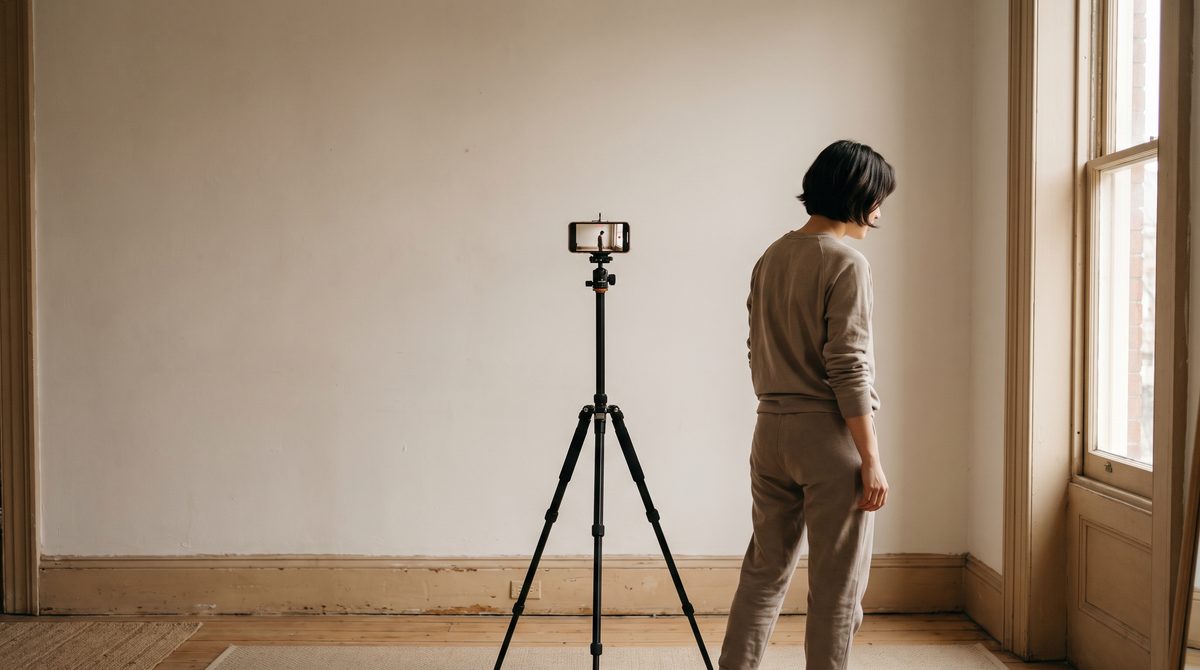
2x at minimum, 4x or 5x if the room allows. Never the front camera. Then walk backwards until your head fills the frame.
Check the style even if you have never touched it. Somebody may have, and it is applied at capture.
The built-in RAW setting is better than nothing. Halide’s Process Zero or Lightroom’s plain DNG is the one that actually switches the processing off.
Standing near a bright window is exactly when the phone gets your face wrong. Three seconds fixes it.
Big soft window, turned three quarters to it, every other light off, something white on the shadow side. And somebody talking to you.
What a phone genuinely cannot do
Three things, honestly, and then the reason none of them decides the outcome.
Real optical shallow depth of field, the kind that comes from a large sensor and a fast lens, is not something a phone can produce — only approximate. Very low light remains hard, and shooting classic raw makes it harder because you lose the frame merging. And fine skin texture at large print sizes will not hold up the way a proper camera does.
Grading the sources
Two of the corrections on this page are to things we published ourselves, and one of them is a straightforward factual error.
One number worth date-stamping rather than trusting. Every hardware specification on this page was current on 3 September 2026 and will not stay that way — the 200mm setting described above did not exist one generation ago. The physics in the lens section will not change. The model names will.
Where we differ from the standard account
Does Spotlight accept phone photographs?
Commonly saidNo. Their guidance says no phone photos.
What we foundIt does. It also publishes an article saying a selfie is perfectly fine. Both are live and they contradict each other.
Is the RAW setting unprocessed?
Commonly saidYes, and we said so ourselves.
What we foundApple states it combines raw data with iPhone image processing, including Smart HDR and Deep Fusion.
Do wide lenses distort your face?
Commonly saidUniversally repeated.
What we foundDistance distorts. The lens only decides how close you have to stand to fill the frame.
Is a non-Pro phone's 2x a telephoto?
Commonly saidIt says telephoto on the button.
What we foundIt is a crop of the main sensor. Useful anyway, because the geometry is the point rather than the pixels.
Is Portrait mode a choice?
Commonly saidA matter of taste.
What we foundApple will not let you shoot it with raw at all, so it is a constraint rather than a preference.
Are phone photographs obviously phone photographs?
Commonly saidAlways, at any size.
What we foundWhat gives one away at thumbnail size is mixed colour, a shadow behind the head, and a face that is not the brightest thing in frame. All free to fix.
Does the same advice work on Android?
Commonly saidRarely addressed at all.
What we foundThe lens principle is identical. The processing story is not, and it runs the opposite way on Pixel from Samsung.
Before you photograph anything, do the four-second check nobody mentions. Open the camera, confirm the Photographic Style says Standard, switch to the telephoto lens, and turn the front camera off in your head permanently. Those three things cost nothing, take less time than reading this sentence, and fix more than any app you could install.