EcoCast, Casting Networks and Other Portals: A Pre-Upload Checklist
Use this portal-neutral checklist to verify your self-tape file, playback, naming and upload before submitting through any casting platform.
By Sal Framondi
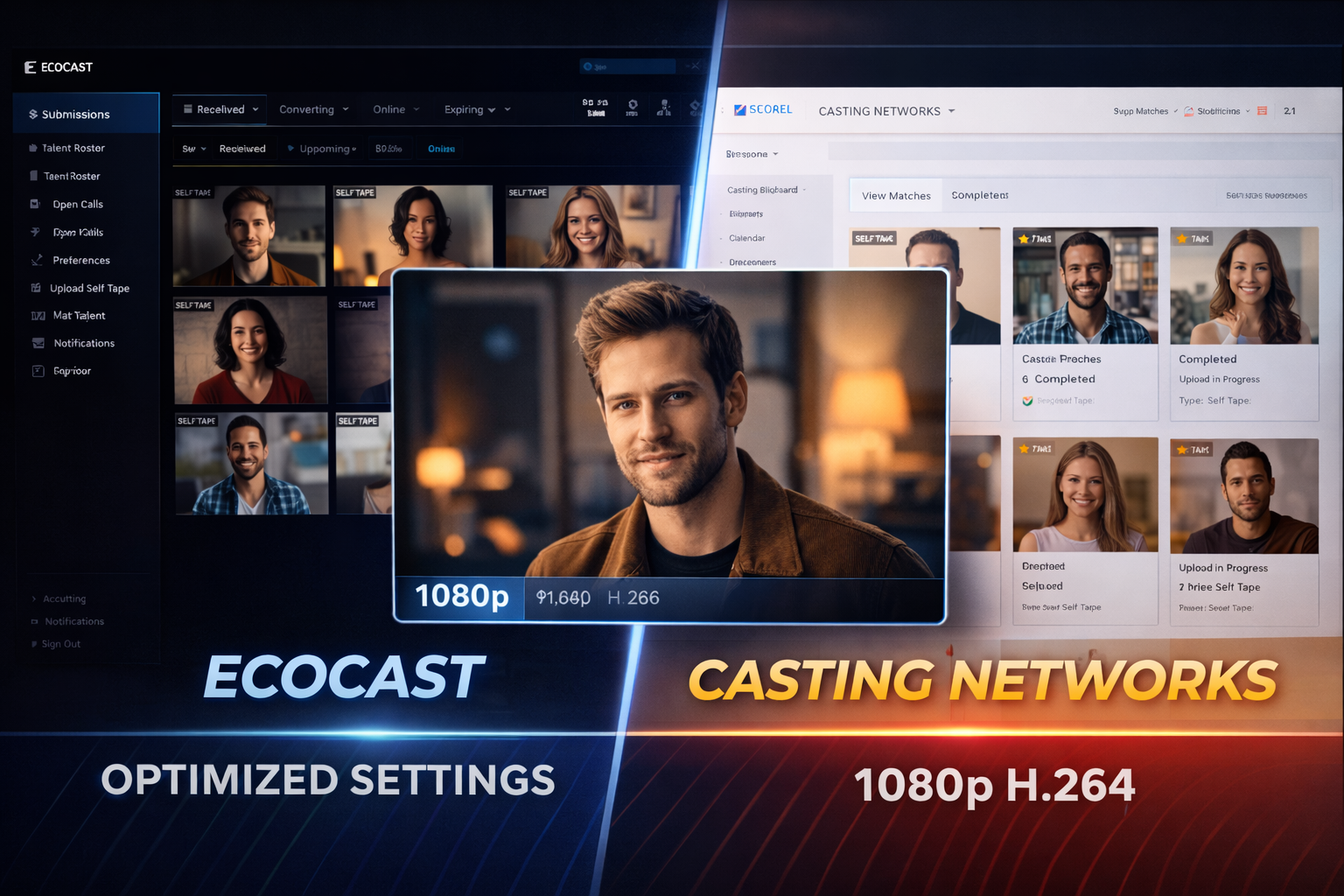
Prepare the file according to the audition instructions and the portal’s current upload guidance. Platform requirements can change, so a reliable process is more useful than memorizing one set of export numbers.
Your goal is simple: upload the requested material, make sure it plays correctly and leave enough time to fix a problem before the deadline.
Read the instructions before you edit
Collect the breakdown, audition message and upload-page instructions in one place. Note whether scenes must be separate, whether a slate belongs at the beginning or in its own file, how takes should be arranged and how files should be named.
If two instructions appear to conflict, ask the contact listed on the request when there is time. Do not invent a technical solution to a content question. The portal tells you what it can accept; the casting instructions tell you what to submit.
Check the upload page again immediately before exporting. Current requirements shown there should take priority over a saved example or an old submission routine.
Keep the recording and export consistent
Edit from the original recording rather than a copy that has already been repeatedly exported or sent through messaging apps. Each unnecessary conversion can introduce softness, uneven motion or altered sound.
Preserve the orientation and proportions requested for the audition. Avoid stretching the picture to fill a frame. If black bars or unexpected cropping appear, return to the project settings instead of trying to hide the problem with another export.
Use the self-tape editing guide for the editing fundamentals. Then choose export settings that meet the portal’s current instructions and retain clear facial detail and dialogue.
Watch the exported file from start to finish
Do not assume that a successful export is a correct export. Open the exact file you plan to upload, not the editing timeline, and watch the entire video with sound.
Check the opening for accidental dead air, a frozen frame or a clipped first word. Check every edit for a flash frame or missing line. At the end, make sure the video does not hold on an awkward expression or continue into off-camera conversation.
Listen through speakers or headphones. Dialogue should be understandable without straining, and the reader should support rather than overpower the actor. Notice hum, echo, clipping and sudden level changes.
Confirm each file matches its label
Use the naming pattern supplied in the instructions. When no pattern is given, choose a plain filename that identifies the actor, role and scene. Add SLATE, SCENE1 or TAKE2 only when those labels are useful and accurate.
Open every file after naming it. A polished filename attached to the wrong take is still a failed check. Keep only delivery files in the upload folder so a rehearsal or camera original cannot be selected by mistake.
When several uploads are required, compare the filenames with the portal slots before selecting anything. A short written list can prevent Scene 2 from landing in the Scene 1 field.
Reduce size only when necessary
If the file is outside the portal’s current requirements or the upload repeatedly stalls, create a smaller delivery copy from the best available source. Do not rename a file extension and expect the video format to change.
The self-tape compressor can help create a more manageable copy. After compression, repeat the complete playback check. Pay particular attention to the eyes, mouth movement, gradients on the background and dialogue clarity.
Keep the original export until the submission is accepted. If the smaller version has a problem, you need a clean source for another attempt.
Test the upload before the deadline
Begin while there is still time to recover from a slow connection, an expired session or a rejected file. Uploading is part of the submission process, not the final thirty seconds of it.
Use a stable connection and keep the device awake. Avoid editing the source file, moving it or renaming it while an upload is in progress. If the portal reports an error, read the message before trying random conversions.
If an upload stops, confirm whether the file was partly or fully received before starting again. Multiple copies with nearly identical names can create confusion.
Review the portal’s playback
When the portal offers a preview, play it. Check that the correct file appears in the correct place, the image orientation is right and sound is present. A local file can work even when an upload or platform conversion has failed.
Do not make claims about how a portal generates thumbnails or processes files internally. Judge only what the interface shows you. If a displayed preview looks wrong, consult the platform’s current help instructions or support channel.
Confirm that any slate, notes or required fields are complete before moving to the final submission action.
Keep proof and a clean archive
After submitting, save the confirmation provided by the portal. Keep the submitted files and instructions together until the audition process no longer requires them.
Do not alter the archived delivery files after submission. If you need another version later, make a copy with a clearly different name.
Prepare a backup without creating confusion
Keep one verified source export and, when time allows, one tested smaller copy that also meets the current instructions. Give each a distinct name and store the backup outside the delivery folder until it is needed.
Do not upload both versions unless requested. The backup exists so you can respond to a rejected file or unstable connection without reopening the edit under pressure.
Final pre-upload checklist
Confirm the current portal instructions, requested scenes and takes, slate placement, filenames, full-file playback, clear sound, correct orientation, acceptable file requirements, portal preview and submission confirmation.
A repeatable check protects the performance from avoidable delivery problems. Follow the current instructions, verify what you can see and submit with time to spare.